Merchant · Opening
How to set up a GoBites menu that sells
A practical walkthrough for structuring your menu, pricing for delivery and presenting dishes so customers order faster.
Your menu is the storefront. On GoBites, most customers decide in under a minute — so the way your dishes are grouped and priced decides whether an order lands in your kitchen or somewhere else on the street.
Start with 12 to 20 dishes
New merchants often list everything they can cook. A tighter menu travels better, cooks faster during peak hours and keeps your kitchen consistent. Lead with the dishes you already sell most.
Group dishes the way people order
- Signature plates first — jollof, waakye, banku, fried rice combos
- Proteins and extras as add-ons, not separate dishes
- Drinks and sides at the end, priced for easy basket-building
Price for delivery, not for the counter
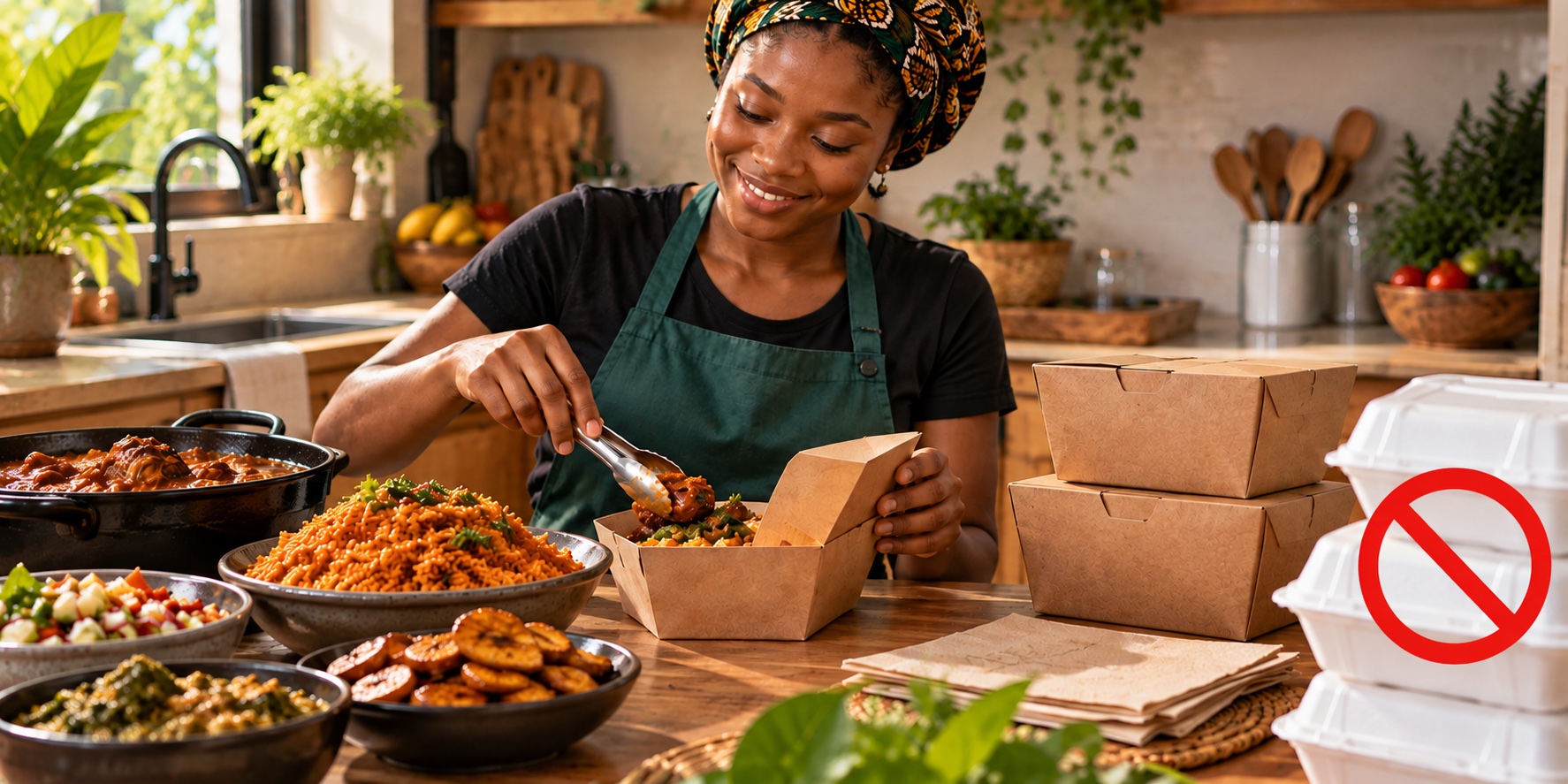
Packaging, sealing and courier handling all cost money. Build those into the item price rather than surprising customers at checkout — transparent pricing keeps repeat orders coming.
Keep it live
Mark sold-out items in the GoBites Merchant app the moment they run out. Cancelled orders hurt your rating far more than a temporarily hidden dish.